

From fragments
to focus.
A cross-device AI workspace that connects scattered materials and helps turn them into structured work.
Good ideas rarely
arrive together.
Screenshots, notes, documents and conversations. Bring the scattered pieces back into context.
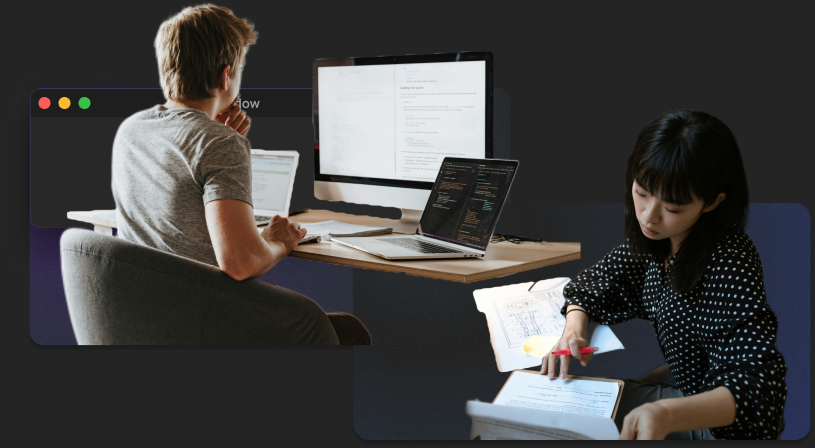
Find the connections.
Reconnect papers, talks and ideas. Keep the context that makes them useful.
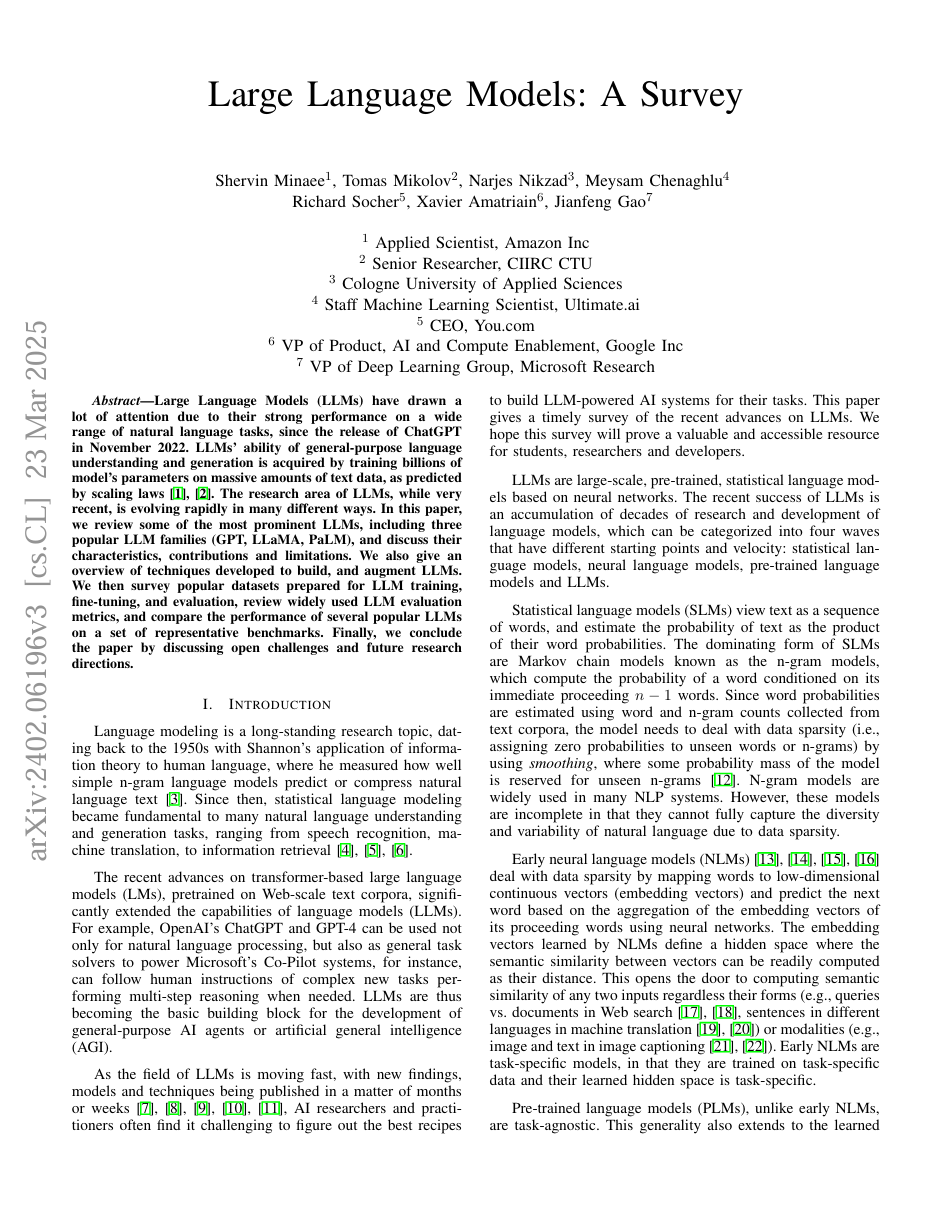
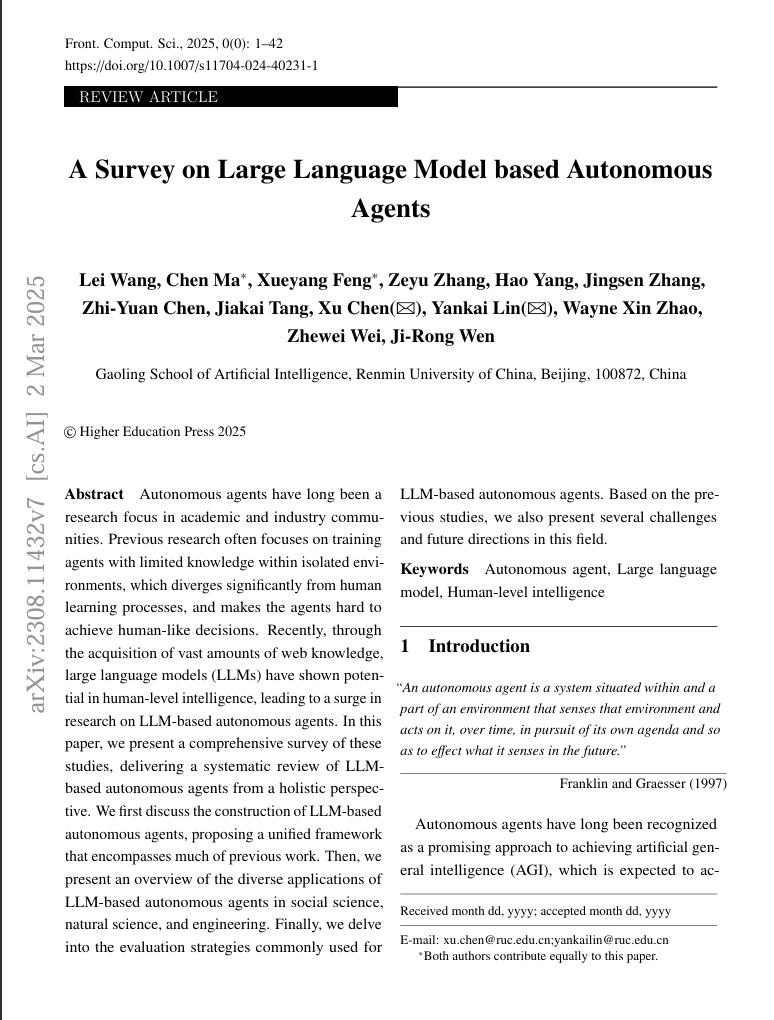
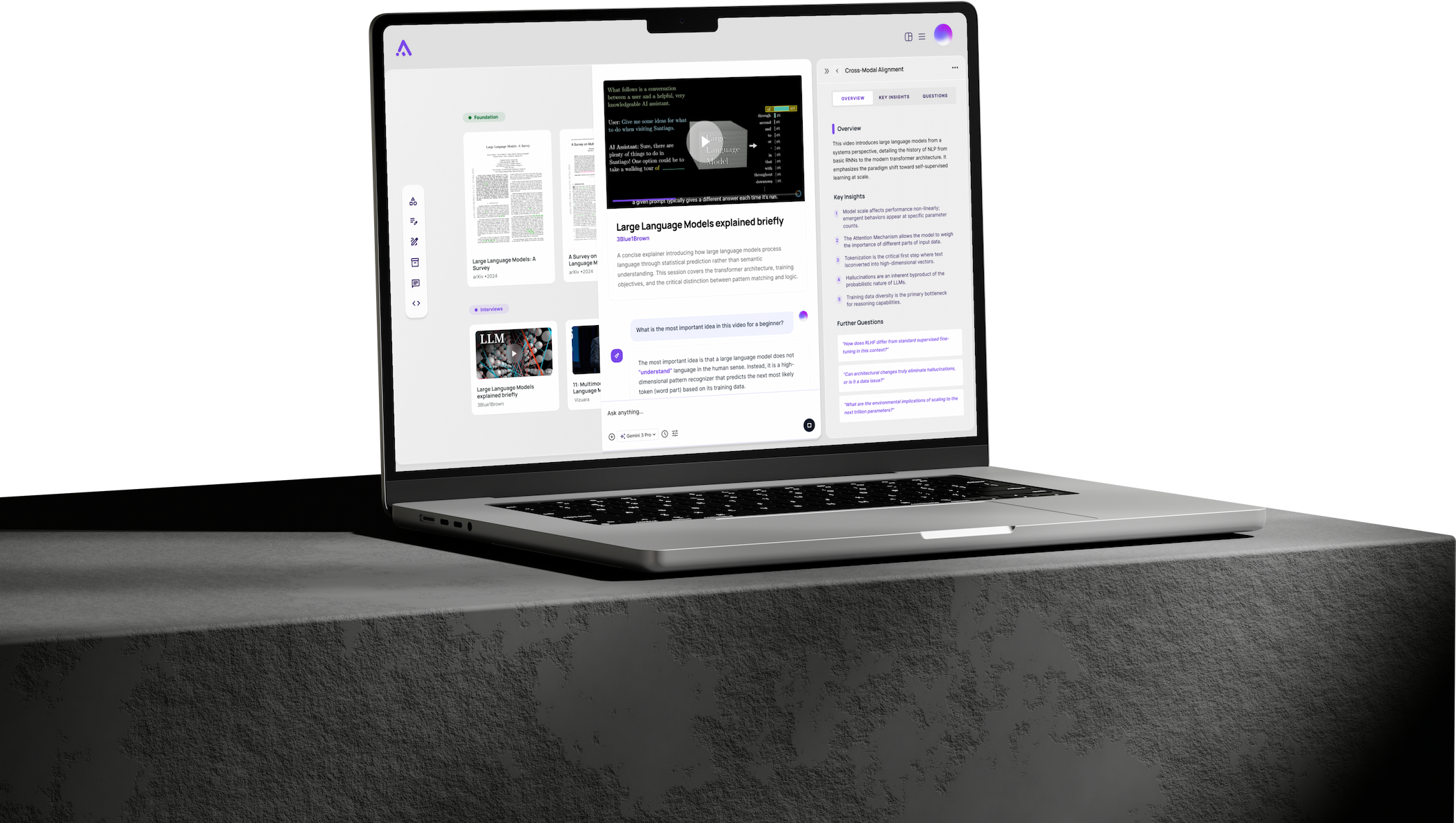
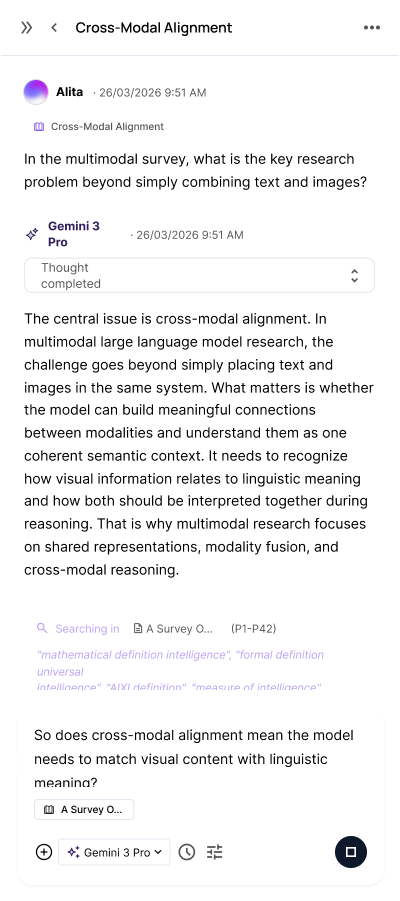
Keep the source in sight.
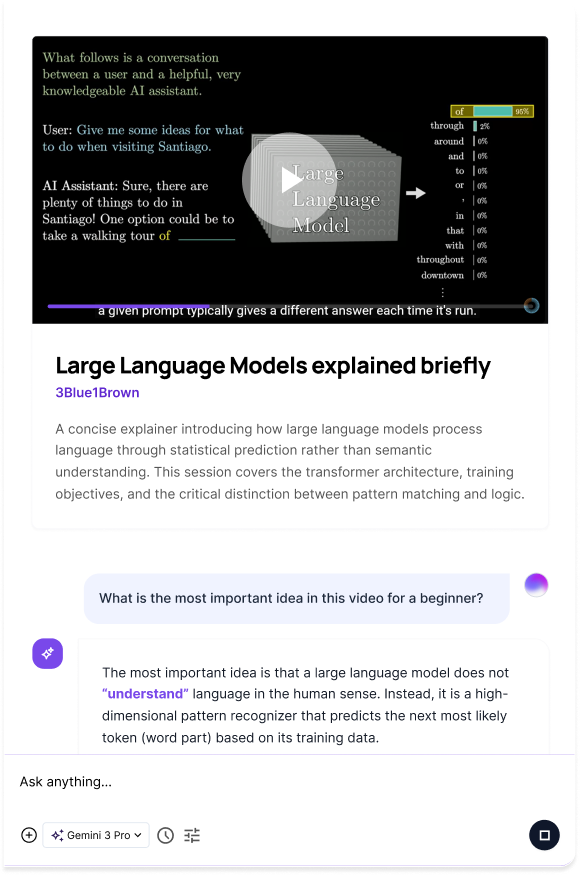
Go deeper into what you watch.
Make room for deeper work.
Explore a system-design project with your sources and questions side by side.

Put your thinking into motion.
Turn a decision into a task. Give it an owner, a date and a place in the project.
October 2026
A thought is a place to start.
Good Morning UserHow Can I help you Today?
Your choice of model.
Capture here.
Continue anywhere.
Save a thought on your phone. Return to it with room to think on desktop.
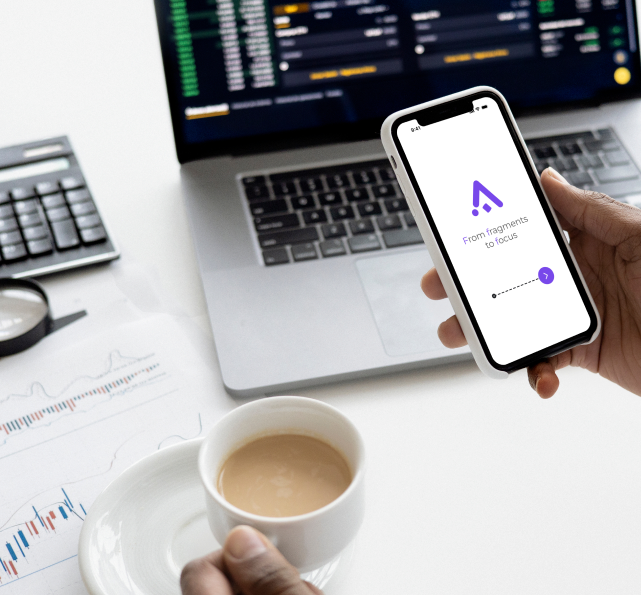

Catch a thought.
A way into any idea.
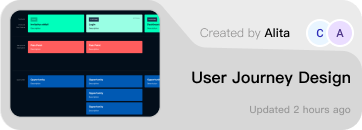
Pick up where you left off.
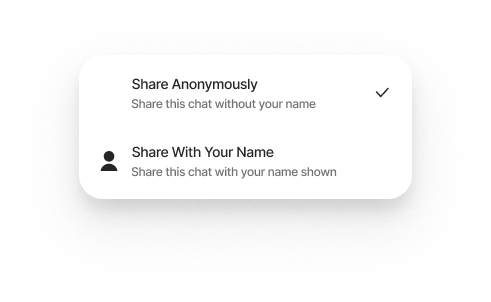
Share on your terms.
Different work.
A familiar challenge.
For people with plenty of saved ideas — and something to make of them.



Learning & research
Connect reading, references and questions to develop your understanding.



Content & creative work
Bring inspiration and rough ideas together. Shape them into something of your own.


Projects & teamwork
Reconnect shared materials, clarify the next step and keep the work moving.
Questions?
What is AssemFlow?
AssemFlow is a cross-device AI workspace concept for fragmented workflows. It brings scattered screenshots, notes, links, documents and AI conversations into a connected space, so you can move from collecting information to developing structured work.
Who is it for?
People who collect more than they can easily organize: students and researchers, content creators, and people working across projects and teams. The shared need is to recover context and turn saved material into something useful.
How do mobile and desktop work together?
The mobile concept focuses on capturing ideas, accessing projects and taking lightweight action. Desktop provides space for deeper research, synthesis and project development. This website illustrates that connected workflow; it does not provide live device synchronization.
How does AI fit into the workflow?
AI is designed to work alongside the materials and questions in a project: helping reconnect sources, explore relationships and develop an output. In this local demo, answers are authored examples and model selection is a visual interaction, with no live AI provider connection.
What can I try here?
Explore the system-design workspace, move materials, preview files, ask sample questions and create a project with its own file space. You can also edit tasks, switch to the team schedule and try the conversation controls.
Is the app available to download?
AssemFlow is currently a portfolio product concept with a local interactive website. The desktop and mobile designs show the intended experience. Files you add to this demo stay in the current browser session and are not uploaded by the workspace.